

Tempered Glass Film For Insta360 X4 X5 X4 Air Screen Protector Anti-Scratch Lens Guard Cap Protective Kit Camera Accessories
X5Tempered Glass SET
Sale price
R 285.99
Regular price
R 317.99
Skip to product information









Tempered Glass Film For Insta360 X4 X5 X4 Air Screen Protector Anti-Scratch Lens Guard Cap Protective Kit Camera Accessories
Sale price
R 285.99
Regular price
R 317.99
SPECIFICATIONS
Brand Name: TECTINTER
Choice: yes
Compatible Brand: For Insta360 X4/X5/X4 air
Compatible Model: For Insta360 X4/X5/X4 air
High-concerned chemical: None
Model Number: For Insta360 X4/X5/X4 air
Origin: Mainland China
Package: Yes
Type: Lens Cap
Advertisement
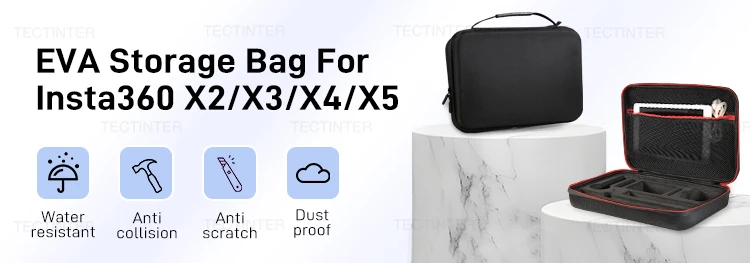
Carrying Case for Insta360 X4 X3 X2
This hard shell carrying case for Insta360 X4 X3 X2 is made of 900D nylon and EVA which has no bad smell. Scratch-resistant, shock-resistant, anti water splash, provide all-round protection for your equipment. Portable for travel or on the go, free your hand and enjoy going out for shooting.
Item Description
NOTE
After installing the tempered glass lens protector , swipe down from the top of the screen to open the quick menu, then tap the Lens Guard Mode icon to enable it for optimal 360° stitching effect.
Q&A
Q: Why did I receive an "X5 Composite Film" in the X4 Composite Film SET kit I purchased?
A: There are two versions of the label on the composite film packaging included in the combo kit. The old version only says "FOR X5 Composite Film," while the new version reads "FOR X4/X5 Composite Film." The product itself is actually compatible with both models. If you receive the old packaging (marked only for X5), please don't be surprised — we did not ship the wrong item. It is fully usable for the X4 model as well.
Q: Why does the lens film I received look like it has scratches?
A: The product is made of PC plastic. During transportation, friction with the packaging bag can generate static electricity, which attracts dust and makes the product appear scratched. Simply wipe it with the cleaning tools included in the kit, and it will be fine.
Note:
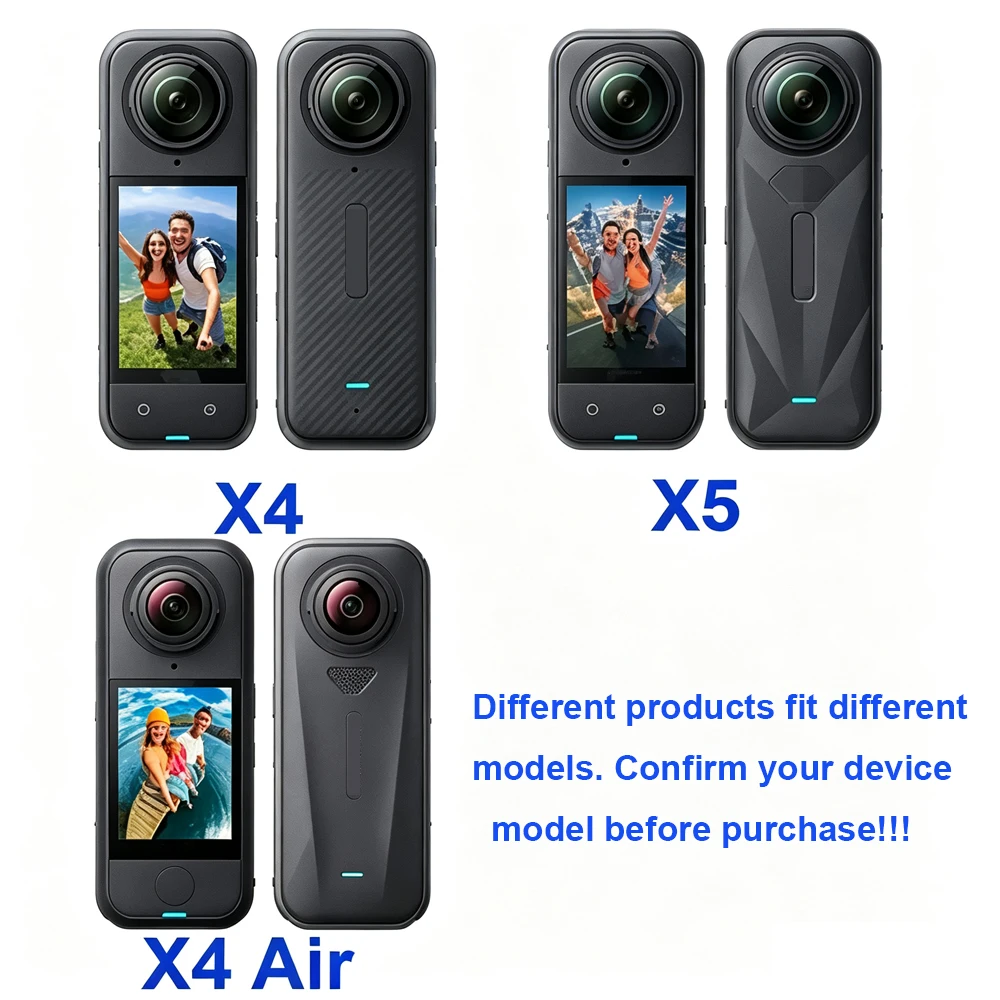
We have three type of this product: X4 ,X4 air and X5, before you send order, hope you can clear check the model you need.
For item description we only use X4 mode, wish you can understand.
Optimal Protection for Your Insta360 X4
The Insta360 X4 Lens Guard and Screen Protector Kit is a must-have accessory for anyone who wants to keep their camera in pristine condition. Designed specifically for the Insta360 X4, this kit is crafted from high-quality PC material that offers superior protection against scratches and impacts. The lightweight design ensures that your camera remains unencumbered, allowing you to capture stunning 360° videos without any hindrance.
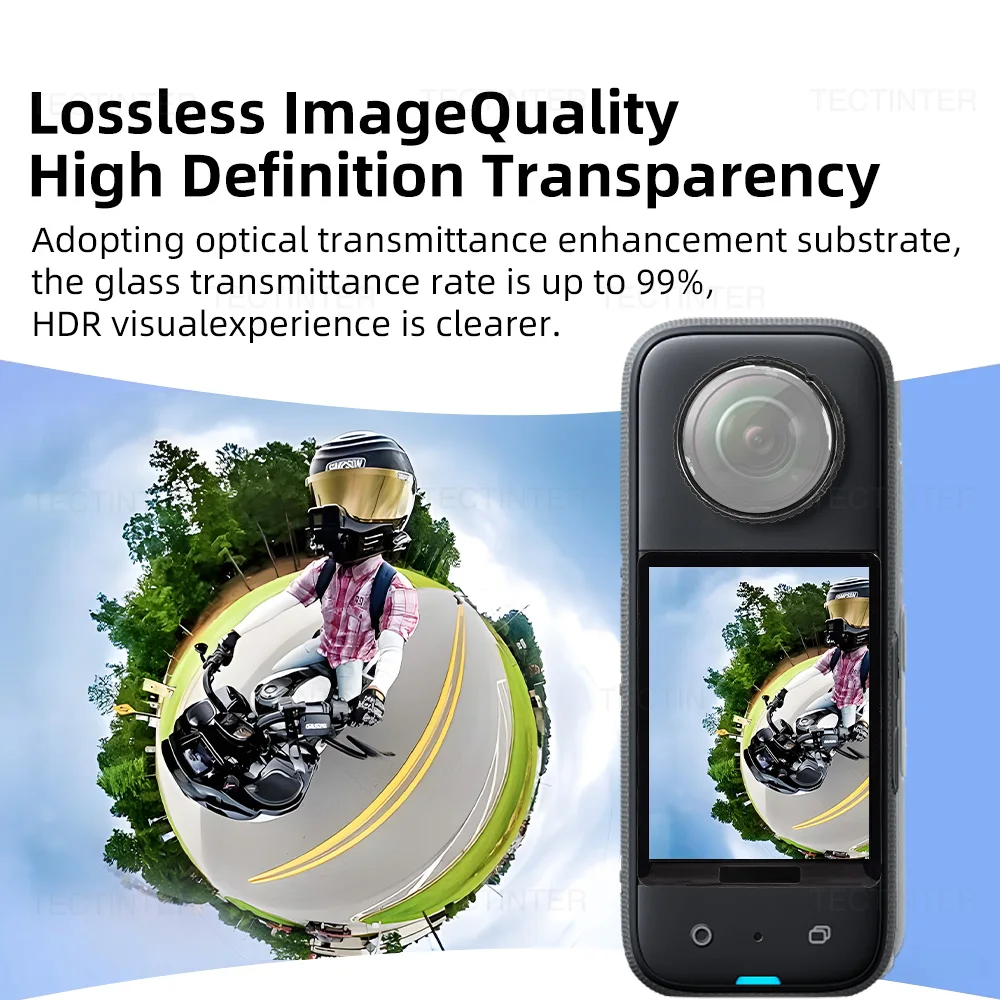
High Definition High Transmittance
99% high optical transmittance and show realistic color of the camera.
Composed of 5 Layers of High-definition Coating
Multi-protection process, the protective mirror anti-scratch performance upgraded, the protective mirror more durable.
Swivel Design for Easy Installation and Replacement
Firm installation, gently rotate the protective mirror base can be removed, easy to replace by yourself.
Fitted Lens Design for Total Protection and Peace of Mind
The lens structure closely fits the panoramic lens.as if it were equipped with transparent armor, for greater peace of mind.
Quality Lossless lmage High Definition Transparency
Adopting optical transmittance enhancement substrate! The glass transmittance rate is up to 99%, HDR visual experience is clearer.
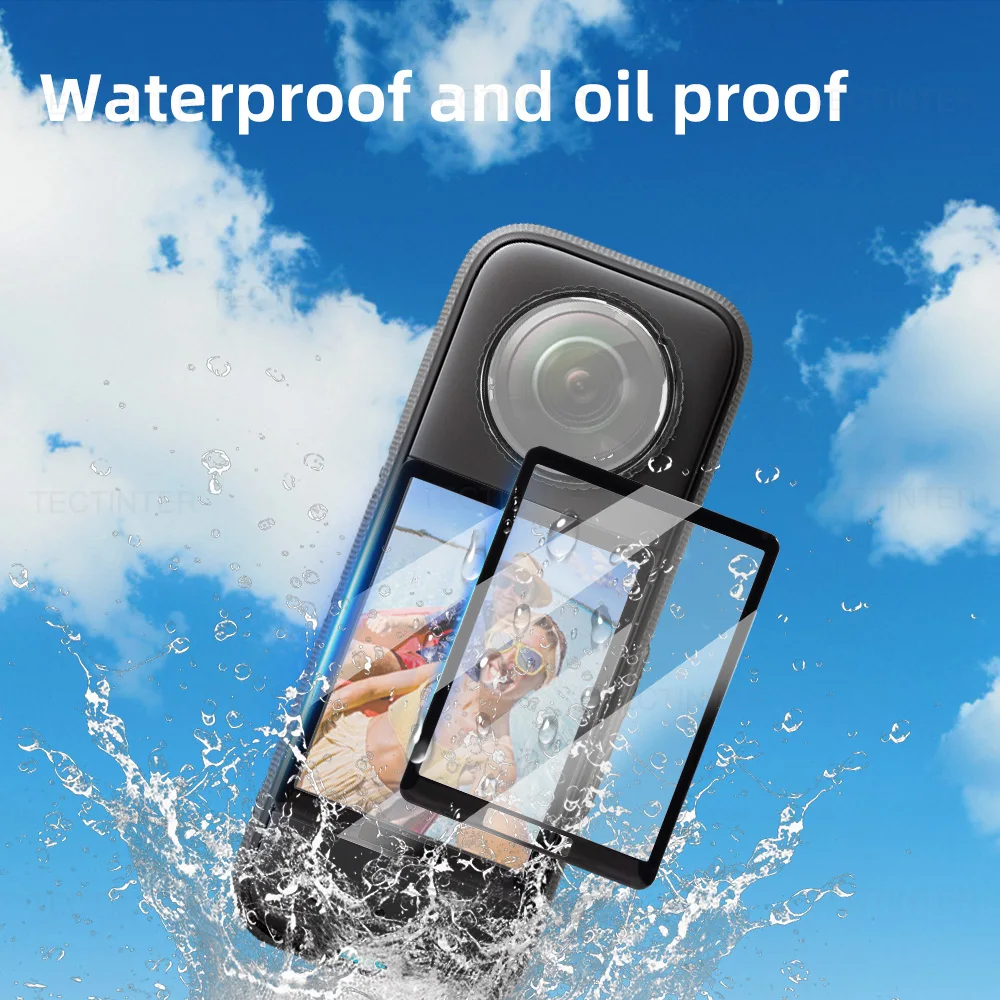
Waterproof Features
The tempered film adopts vacuum coating process, and the surface coating can effectively isolate oil stains and water. It has anti-reflection, anti-fingerprint, oil resistance and wear resistance. This is your best partner!
Product Size
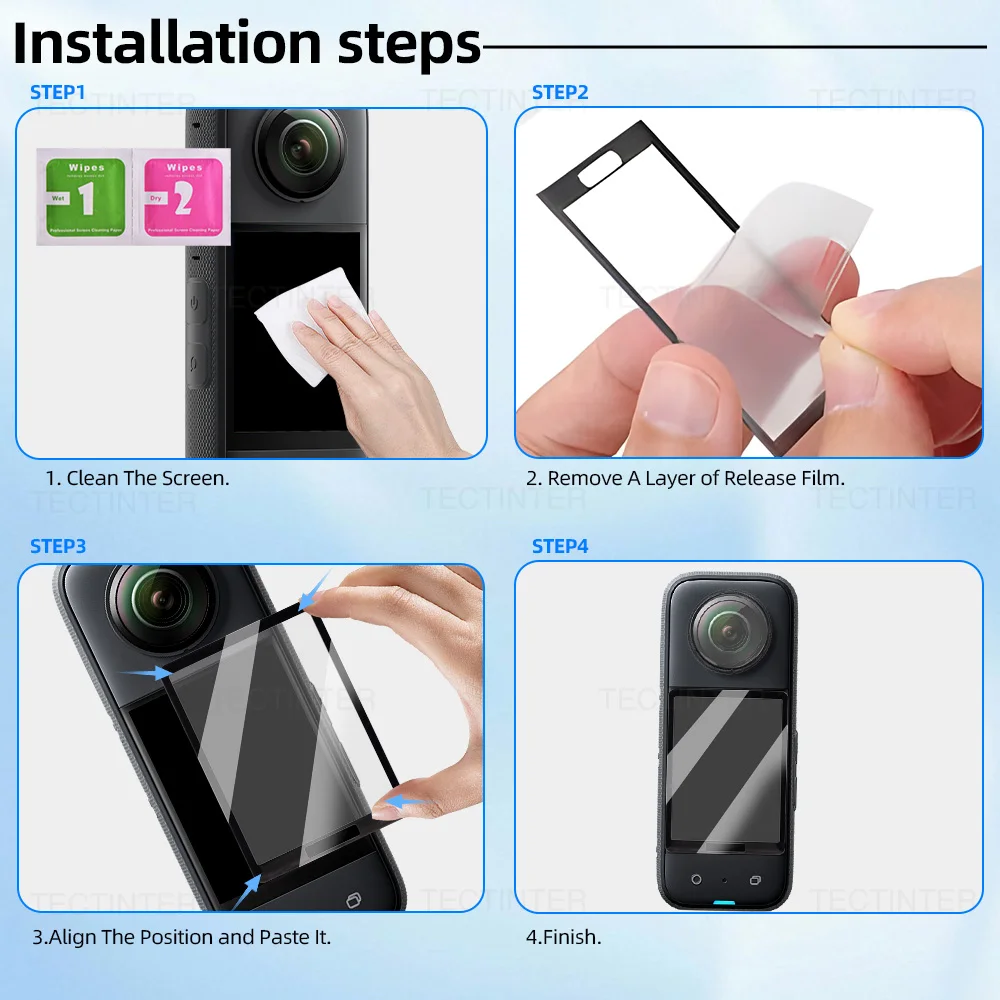
Installation Guide
Step1:Clean screen with wet wipes.
Step2:Dry screen with cloth.
Step3:Dedusting screen.
Step4:Glass installation.